NabadAi Music

Music from a hum. Blend tracks, remix your sound, share what you make.

By tapping Get Started you agree to our Terms · Privacy

Create music inspired by you

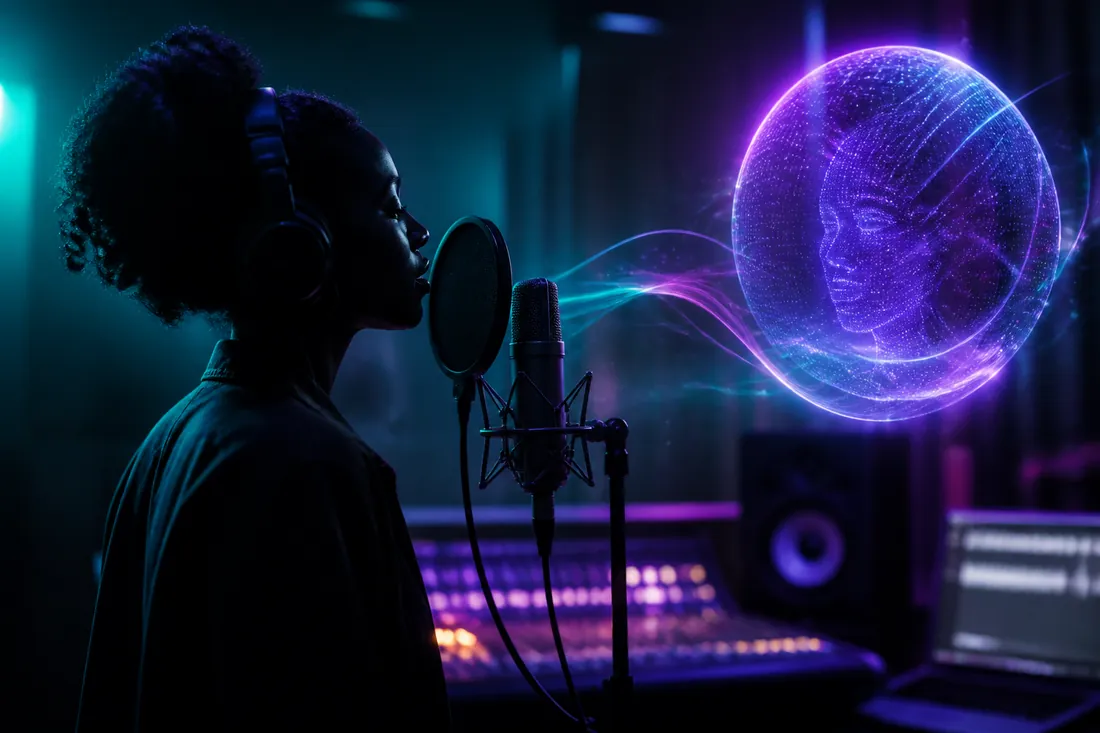
Turn a hum, a photo, or a few words into a full, studio-quality song that sounds like you.

NabadAi

Create Share Connect

The social platform for AI music creators.

Already have an account?

By continuing you agree to our Terms · Privacy

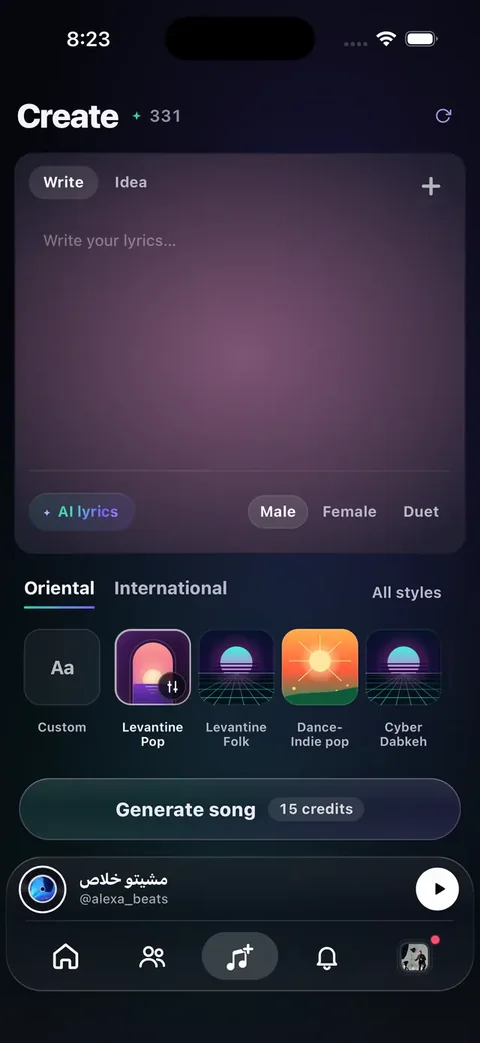
Sounds

Imagine your sound

Inspired by

Advanced
Tempo
120 BPM

Tap the Create button when your prompt is ready.

Create

Singer
Advanced options
Voice
Type
Vocal style
Range
Avoid

Studio & More

Everything stays here so Home stays clean on mobile.

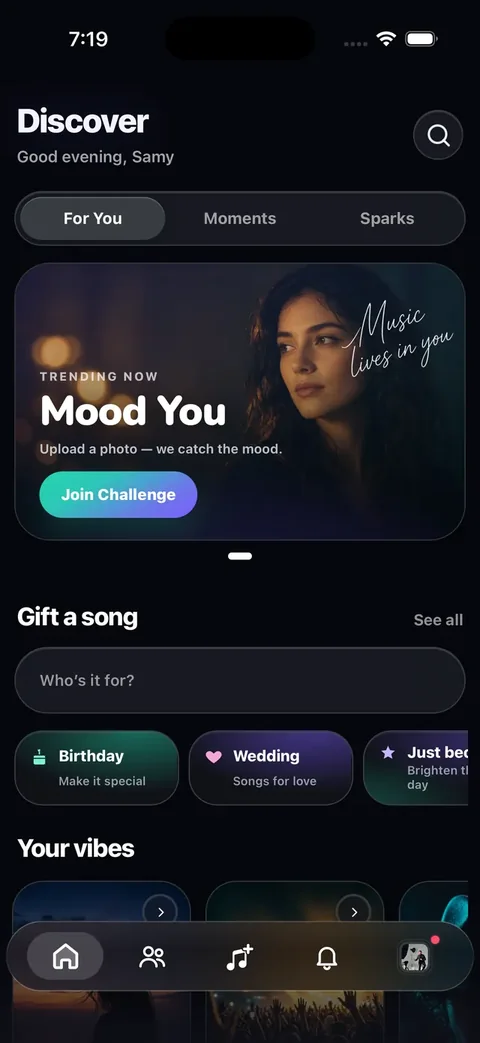
Discover

Activity

Blend two tracks

Mashup

Pick two songs from your library or Discover — we blend them into one new track.

Friends

Messages

Chat with creators you're a fan of.

Playlist

Playlist

Top This Week

Ranked by plays and reactions in the last 7 days.

Hey, there

What are we creating today?

Quick Starts

Lab

Voice scan on this device — for practice, not diagnosis.

Quiet room. One slow low → high glide.

Range labels
Tips for a clean scan
  1. Warm up lightly ~30s — no shouting.
  2. Glide slowly chest → head on “ah” (~6–8s).
  3. Hold your highest comfortable note ~2s.

Pick Men’s or Women’s so the printed range matches how you sing.

No track loaded
0:00 0:00
00:00 / 00:00
avatar
@user
Your avatar

Credits

Balance
0
credits total

NabadAi Pro

Studio, unlimited Coach, WAV export, analytics, and more credits.

View plans

Redeem a code

Have a promo code? Enter it below.

How it works

  • 1 full song = 12 credits (returns 2 variations).
  • 1 sound (loop / ambience) = 2.5 credits.
  • Lyrics are free — write as many drafts as you like.
  • Each promo code can be redeemed once per account.
  • Paid and promo credits can be gifted to other creators on their posts. Received gift credits are for creating only.
  • If a generation fails, your credits are refunded automatically.
  • Need more credits? Redeem a promo code or email help@nabadai.com.

Recent activity

No activity yet.

Step 3: Vocal Room (Multitrack)

Load stems as separate tracks, record vocal takes as a track, align start offsets, then export the full session.
Session
Download mix
Tip: if tracks feel slightly late/early, use the offset control per track (seconds).
Vocal track
Recording creates a clip on the Vocal track (start offset adjustable like other tracks).

Step 2: Stems & Studio

After you generate a song, get instrumental version or multi-stems, then load stems into the studio and export your own mix.
Studio (basic mixer)
Download mix
Play happens in-browser (no export needed). Adjust volumes while it plays.
Stems result

            
Advanced: local generator + hum → melody

1) Generate arrangement (local)

Tip: Leave “Server AI (paid)” off to use the free local generator. Turn it on only if you added a paid AI key in Vercel.
Arrangement JSON


2) Hum → Melody (MVP)

Record up to 60s. We’ll detect pitch and turn it into a melody line you can use for arrangement.
Detected melody (JSON)


3) Render real audio

Download
Ready.
What “no MIDI” means here

We generate an arrangement internally (notes + rhythm), but the output is rendered into an actual audio buffer and exported as WAV. Nothing outputs a MIDI file.

4) Voice AI (legacy)

Legacy endpoint for speech/TTS. If you use AI vocals, you likely don’t need this.

Download voice

Edit Profile

Identity

Social links

AI

Settings

Manage your account, creator tools and preferences.

Account

NabadAI Orb

The orb shares tips and tracks your songs, music videos, and instrumentals.

Orb stays visible on main tabs

Credits & plan

Creator tools

Your voices

Voices are saved to your account and sync across your devices. A recorded voice fades over time — re-record it about once a week so songs keep sounding like you.

Safety

Support

Contact support Report a problem or get help

About

NabadAi Music Version 1.0.0

Danger zone

Build detecting...